Centre for University Teaching, University of Bayreuth
Your own practice scenario for the conversation simulator
Describe in a few sentences which conversation you would like to practise. We set up a first trial scenario for it and send you the access details by mail. This is free of charge for teachers and students at the University of Bayreuth.
What the conversation simulator is
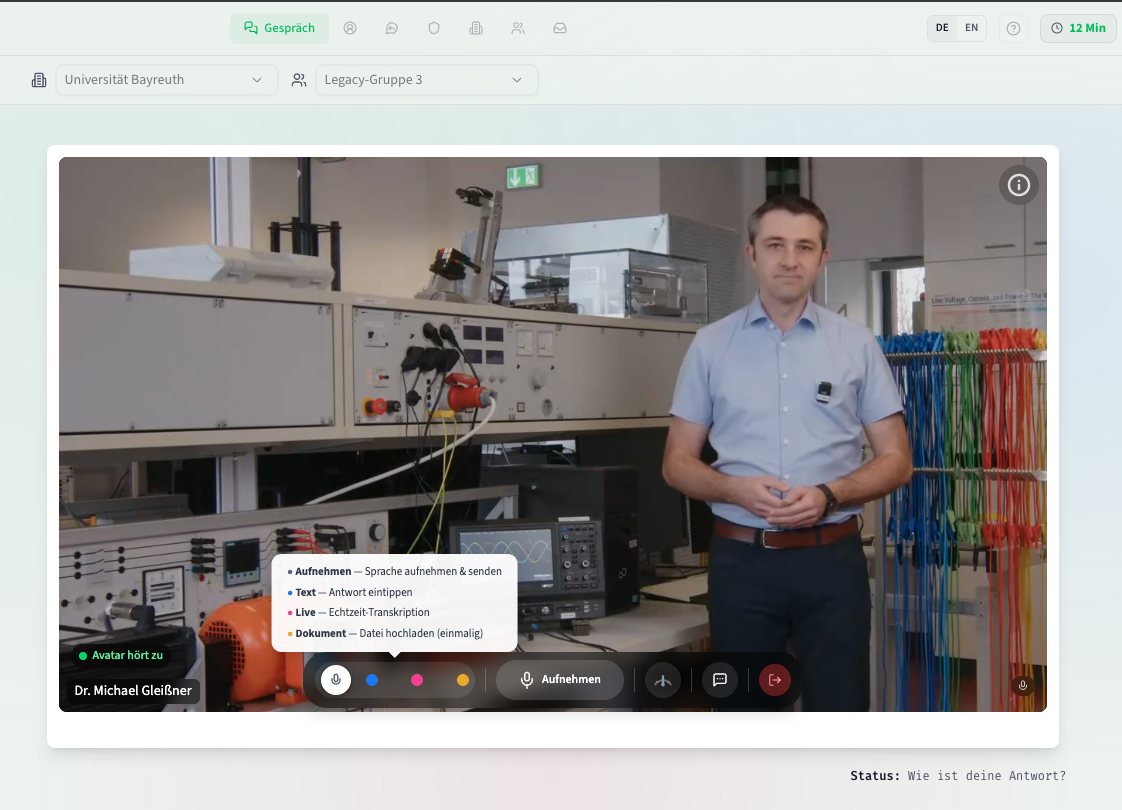
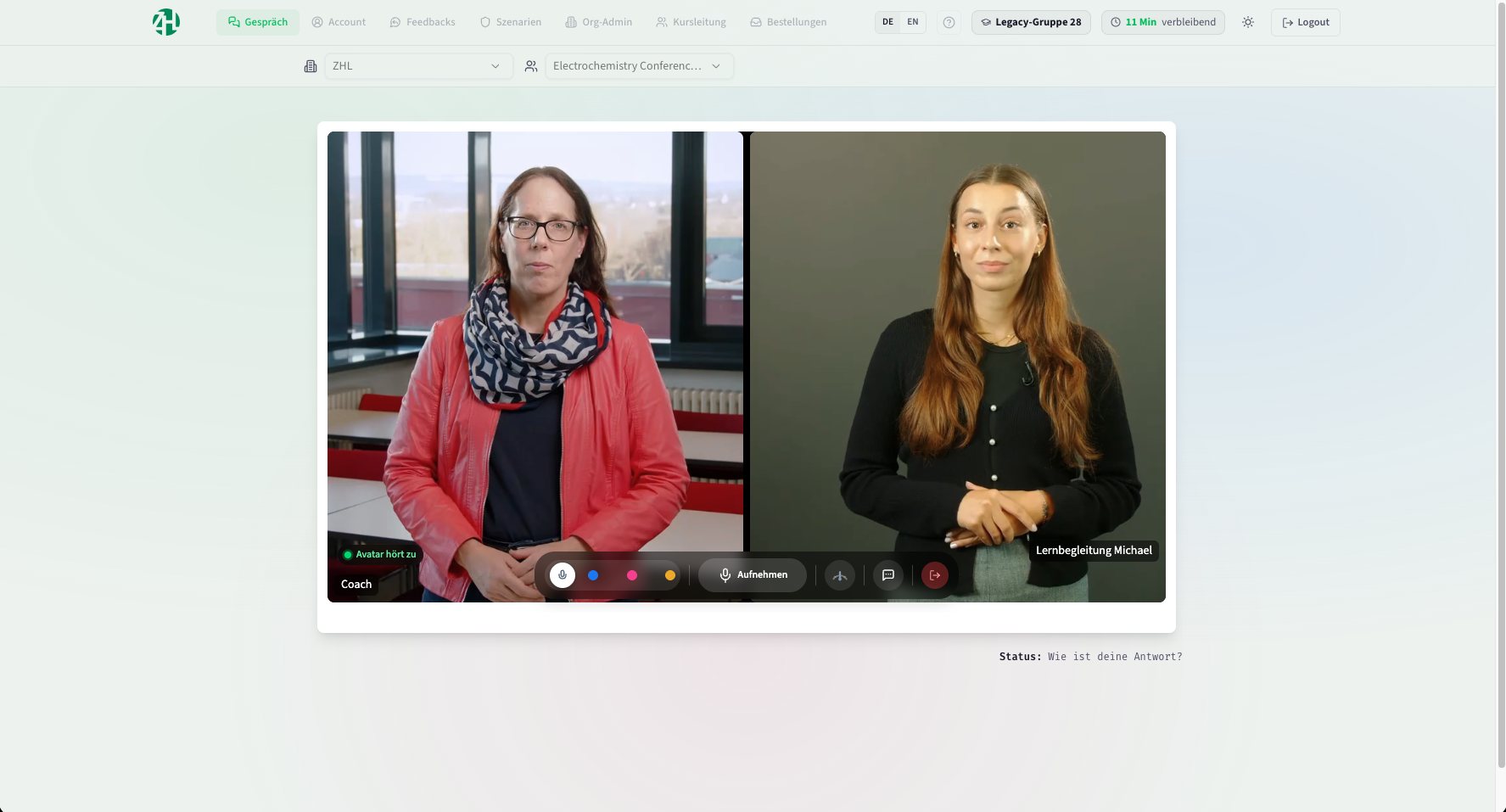
The conversation simulator is a browser application in which you hold a conversation with a speaking avatar: a person on screen who listens, answers and asks back. The avatar takes on a defined role, such as an examiner, a student seeking advice or a sceptical counterpart in a meeting. You speak into the microphone or type, and the avatar responds in real time with voice and video.
What the avatar says and how it behaves is defined in a scenario. Exactly such a scenario is created from your description on this page. After each conversation the person practising receives written feedback: what went well, what was missing, what could be different next time. Nothing needs to be installed, a link is enough.
What the simulator offers
Repeat as often as you like
An oral exam, a counselling session, a difficult piece of feedback: every situation can be played through calmly, several times in a row.
Feedback after every run
A structured evaluation of the conversation is available afterwards. You can start a second attempt right away and compare the two.
Tailored to your subject
The scenario grows out of your description: subject, role of the counterpart, attitude, level of difficulty. No catalogue decides this for you.
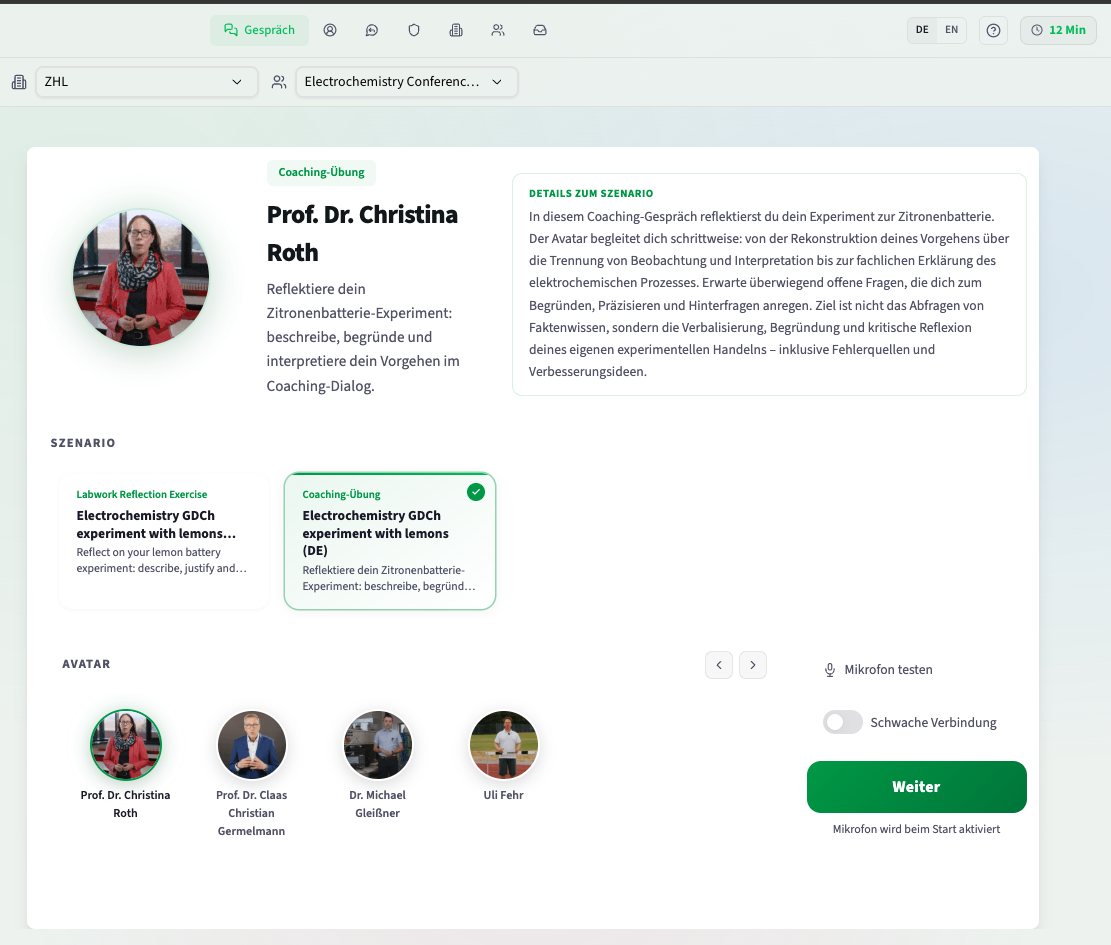
Five faces from Bayreuth
Five colleagues from the university are available as your counterpart. They have made their image and their voice available for this purpose.
Little effort on your side
You describe your request and confirm your address. Everything else runs in the background, usually within a few minutes.
Free for the university
Test access is free of charge for teachers and students at the University of Bayreuth. Your chair carries no cost for it.
What you can practise
Oral examinations
Students go through the examination situation once beforehand. Teachers rehearse their own part, including an unfamiliar examination format.
Office hours and counselling
A conversation with an annoyed or reticent person can be prepared before it happens in the middle of term.
Giving feedback
Phrase criticism of a term paper or a presentation so that it lands well and stays clear.
Language practice
Hold subject conversations in a foreign language, at your own pace and with as many attempts as you wish.
Request test access
The first step is a pre-chat with a chatbot. Together you work out a small scenario to try out: write down what you would like to practise, or have others practise. The chatbot asks the questions it needs so that the scenario matches your requirements as closely as possible. Your request then stands in the field below the chat, and you only add your name and address.
The chatbot answers in English. The practice conversation itself can be held in English, German or another language; just say so in the pre-chat.
You first receive a mail with a confirmation link. Nothing is created before you confirm. After that a status page guides you through the waiting time.
The scenario generated here is a first draft so that you can get to know the application. If you want to develop the background prompts for the avatar further, get in touch with us: you then receive access to the extended prompt studio inside the application. How that works